![sr-logo.png]](https://knowledge.screenrights.org/hs-fs/hubfs/sr-logo.png?height=40&name=sr-logo.png)
As part of the security measures, you’ll be required to register and login using multi-factor authentication. Follow these steps to set up multi-factor authentication:
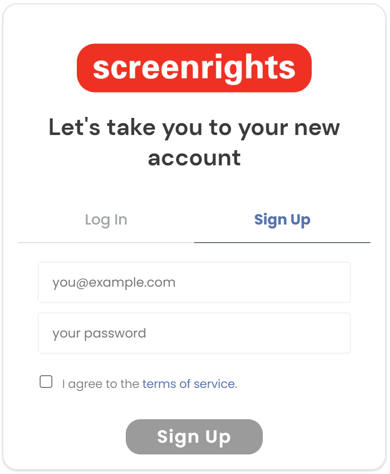
- Enter your email address for signing up.
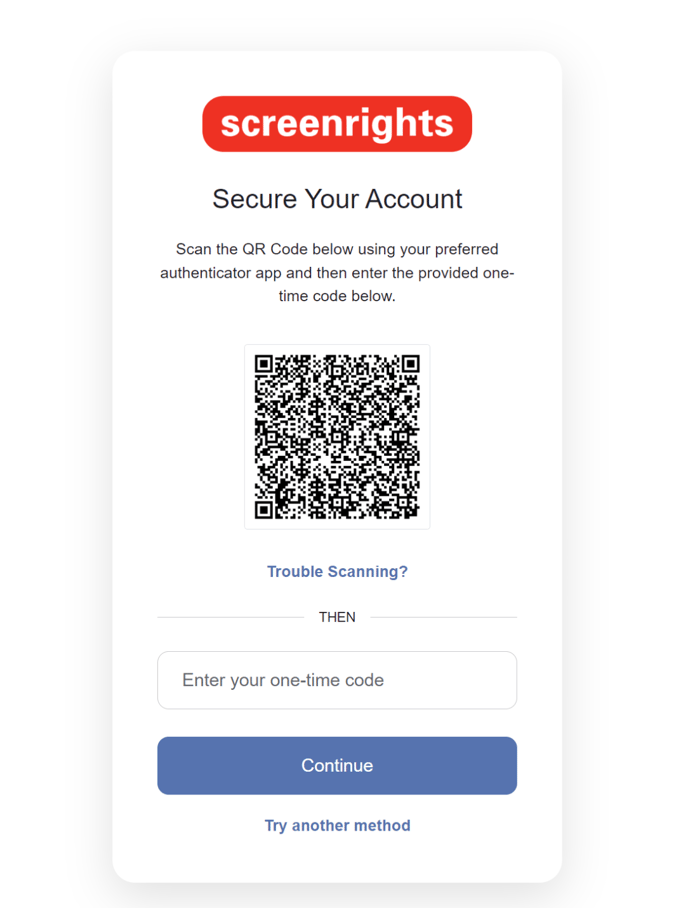
- You’ll be prompted to scan the barcode using your preferred authenticator app. If you do not have the app installed, visit Apple Store or Google Play Store on your mobile device. Once you have installed your authenticator app, scan the barcode using the app. Enter the one-time code received in the app.
Alternatively, click on “Try another method” to select SMS option, and you will be navigated to the below screen: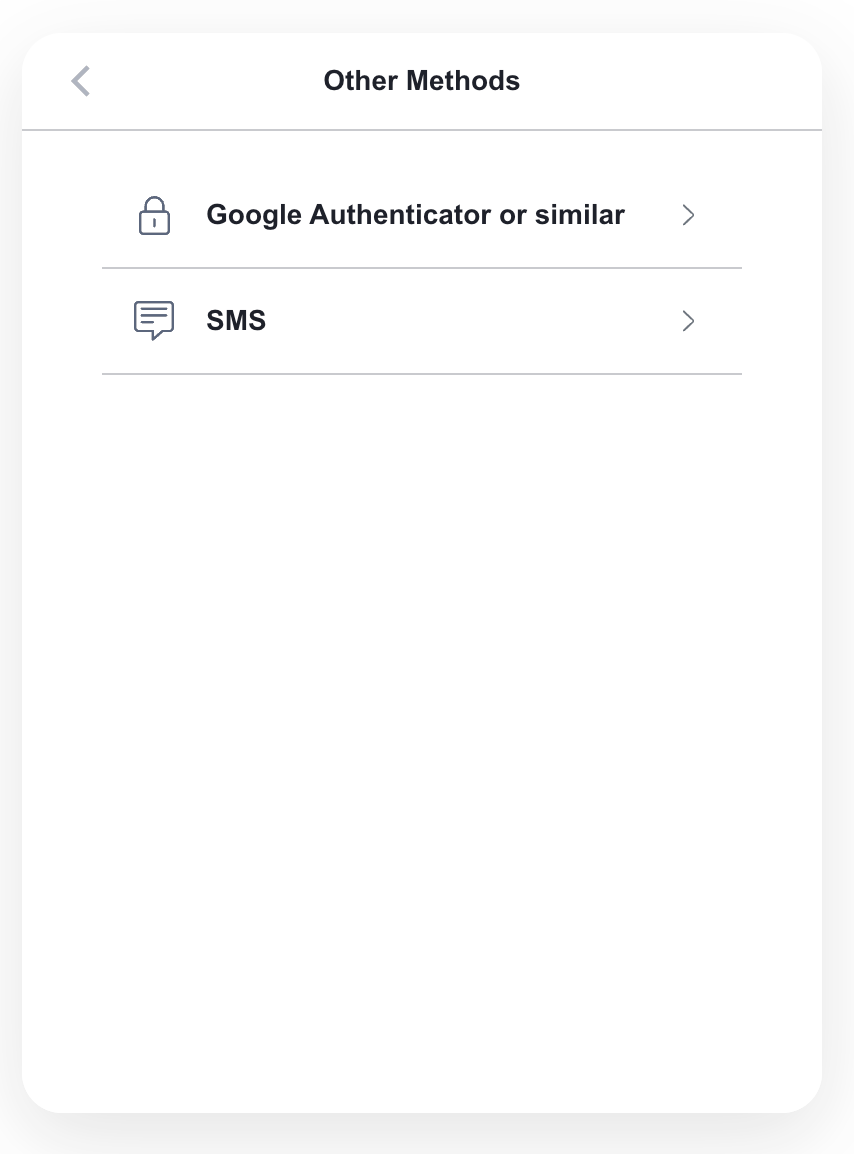
The phone number you enter now will be used for all future logins, so please ensure you have access to this number when you wish to login to the app.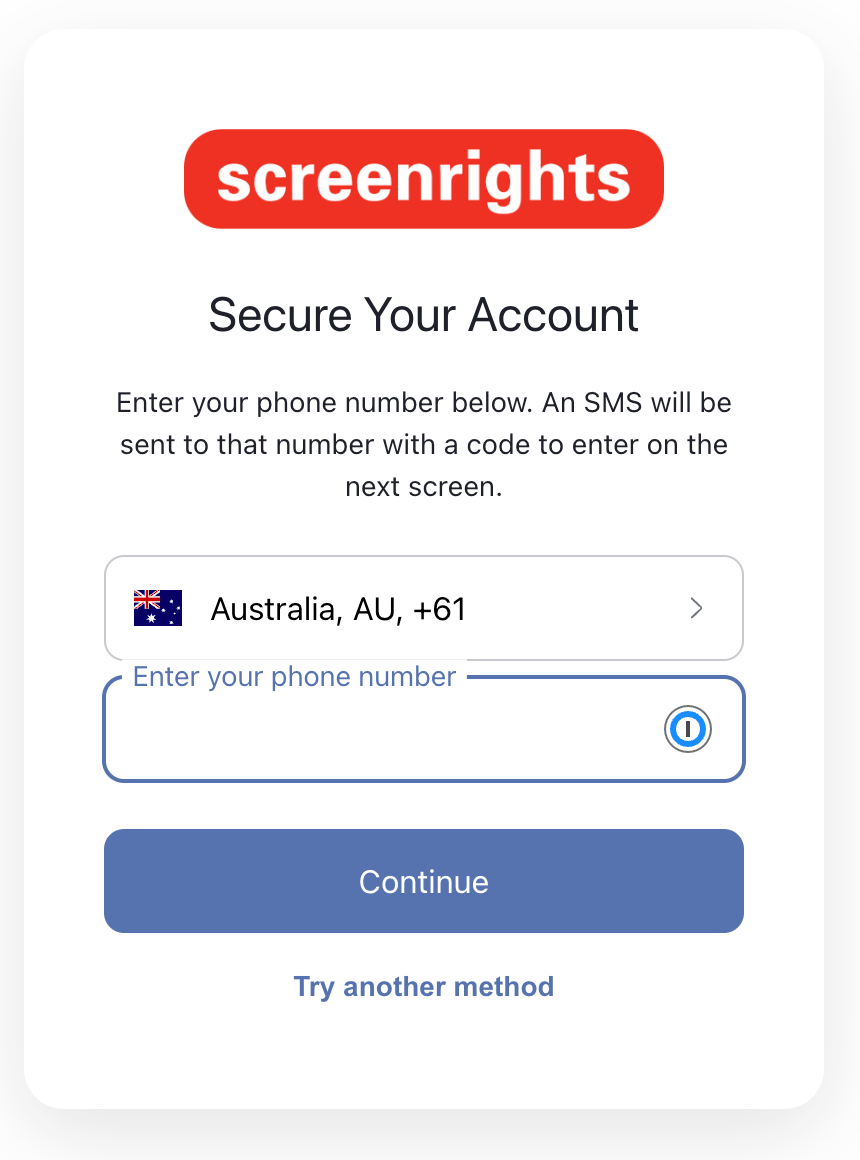
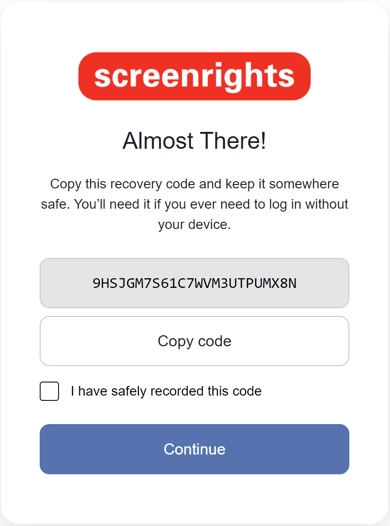
Select the appropriate country code and enter the phone number. Enter the one time code that you will receive in SMS. - Save the recovery code somewhere safe if you’d need to login at some point and you don’t have access to the app. Click continue to proceed to the portal.
And that's it, you've secured your account with MFA. Now you can log in with MFA.