![sr-logo.png]](https://knowledge.screenrights.org/hs-fs/hubfs/sr-logo.png?height=40&name=sr-logo.png)
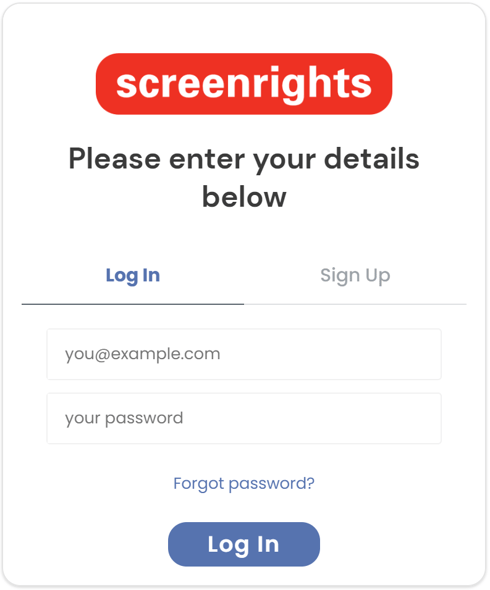
Once you have created your account and set up multi-factor authentication, you’ll be required to login using multi-factor authentication. Below are the steps you need to perform:
- Enter your registered email address and password
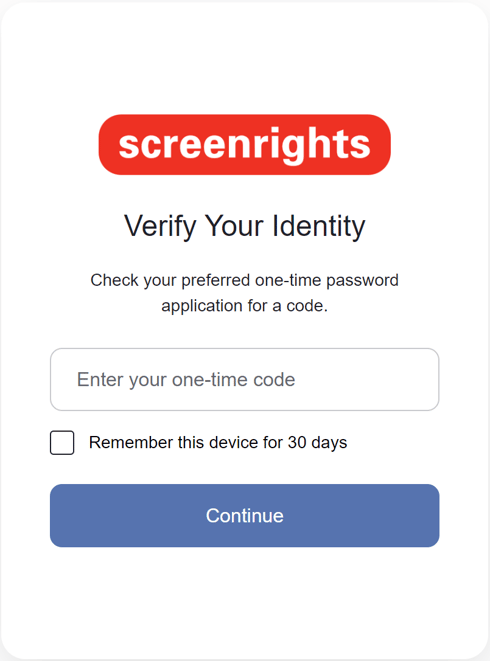
- Open your authenticator app to get your one-time code and enter the code when prompted on the app.
If you have signed up using your phone number, you will be prompted with the below screen and a one time code would be sent as SMS.
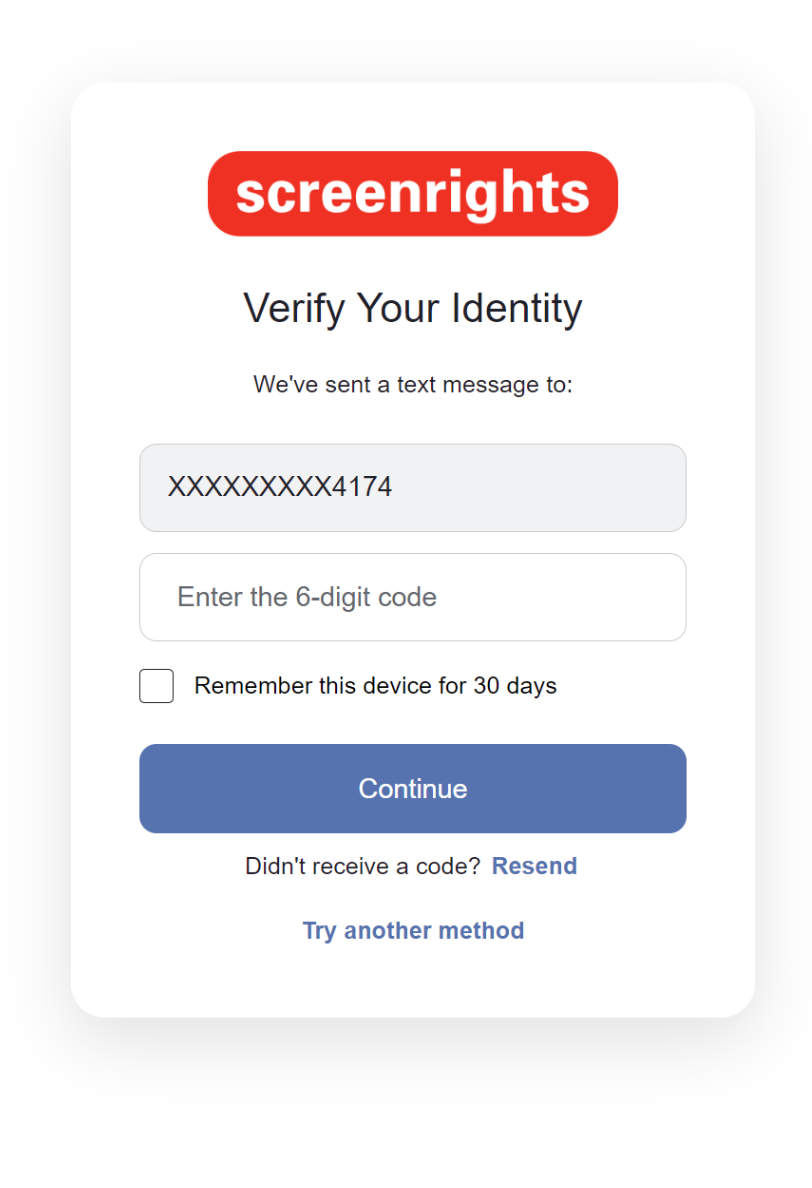
In case you have lost access to this phone number, please contact support@screenrights.org