![sr-logo.png]](https://knowledge.screenrights.org/hs-fs/hubfs/sr-logo.png?height=40&name=sr-logo.png)
You will find the Forgot password link on the login page of your usual Screenrights App.
- Go to the Screenrights App you normally use.
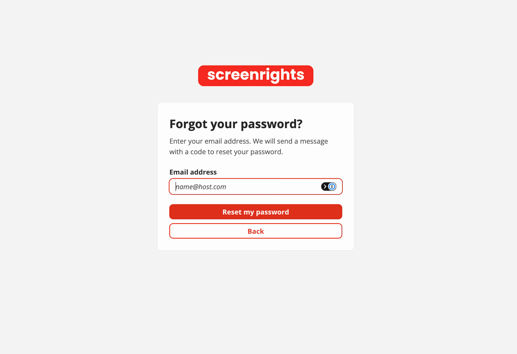
- Select Forgot password.
- Enter your registered email address.
- Enter the code sent to your email.
- Choose a new password and confirm it.
- Sign in again with your new password.
🔧Troubleshooting Tips:
-
If the verification code email does not arrive, check your spam or junk folder.
-
Check that you are using the email address registered to your Screenrights account. If you're unsure which email address you have registered, search your inbox to find emails you've received from Screenrights.